In late 2017, we announced a new, improved MapSavvy aerial maps imagery service that offers users the option of using original Bing Maps images or new, updated Bing Maps images. This article provides some quick tips and advice on which imagery option to use based on your industry and how you're using the images.
Highlights of the MapSavvy Imagery Options
MapSavvy offers multiple imagery options, giving users the ability to access updated imagery from Bing Maps as well as the original imagery. The trade-off: some newer Bing Maps imagery features a lower resolution than the original imagery, so some MapSavvy users prefer to continue using the original imagery from Bing Maps.
With that in mind, here are some quick tips on which versions of these aerial maps to access based on how you're using the images and your priorities for presenting aerial maps as part of your job.
Which Aerial Maps Option Is Best for You?
MapSavvy offers the ability to access the following:
- Original Aerial Maps from Bing — high resolution, but some imagery may be out of date
- New Aerial Maps from Bing — lower resolution, but with updated imagery
So how do you choose which aerial imagery is best for your needs? Here are some simple guidelines:
- Professional Presentation: If you need a presentation that includes aerial maps and looks super crisp and clear, choose the original Bing imagery.
- Architecture: If you're presenting a proposal for a building site and need to show the most up-to-date context of surrounding structures, choose the updated Bing imagery mode.
- Pipeline Development: If you're presenting a proposal for a pipeline and need to show the most up-to-date landscape in relation to nearby housing developments, choose the updated Bing imagery mode.
- Law Enforcement: If you're working to solve a crime and need to see patterns of where crimes are occurring right now, choose the updated Bing imagery mode.
General rules of thumb when choosing what type of aerial maps are best for your application:
- If you need the most crisp, high-resolution aerial map images, and the area you're depicting hasn't seen a lot of change, use the original Bing Maps images mode.
- If you need to show the latest landscape or urban area and it has seen change that will affect what you are presenting, use the updated Bing Maps mode.
Accessing the Imagery Layers
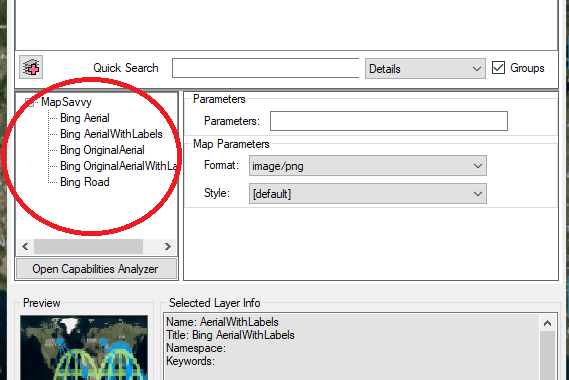
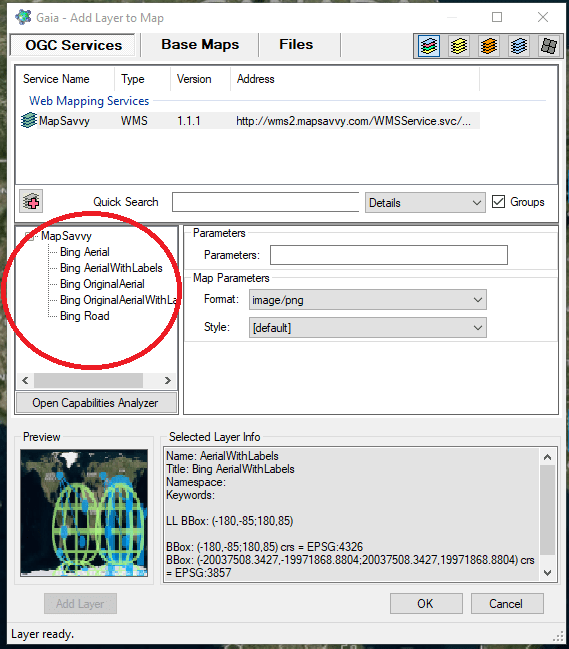
To access the original and new imagery layers in MapSavvy, make sure your WMS URL points at the current endpoint:
MapSavvy remains one of the most affordable aerial imagery services available — $999 per year for up to 40,000 WMS requests. If you're not yet using MapSavvy, give it a try with our free trial.